40% off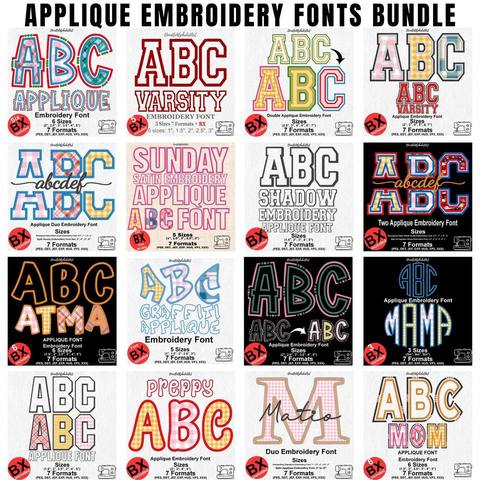
Applique Embroidery Font Bundle
PES · DST · JEF · EXP · HUS · VP3 · XXX · BX
Every font is 40% off. Two fonts are 45% off. Three or more are 50% off.
Font guide
The Baseball Lobster stroke is a satin script embroidery font. It is built so a name can stitch as one continuous line, the way a pen would write it. Each letter is digitized three times: a First Letter, Intermediate Letters, and a Last Letter. Use those three shapes in order and the entry, the joins, and the exit stroke land where they belong.
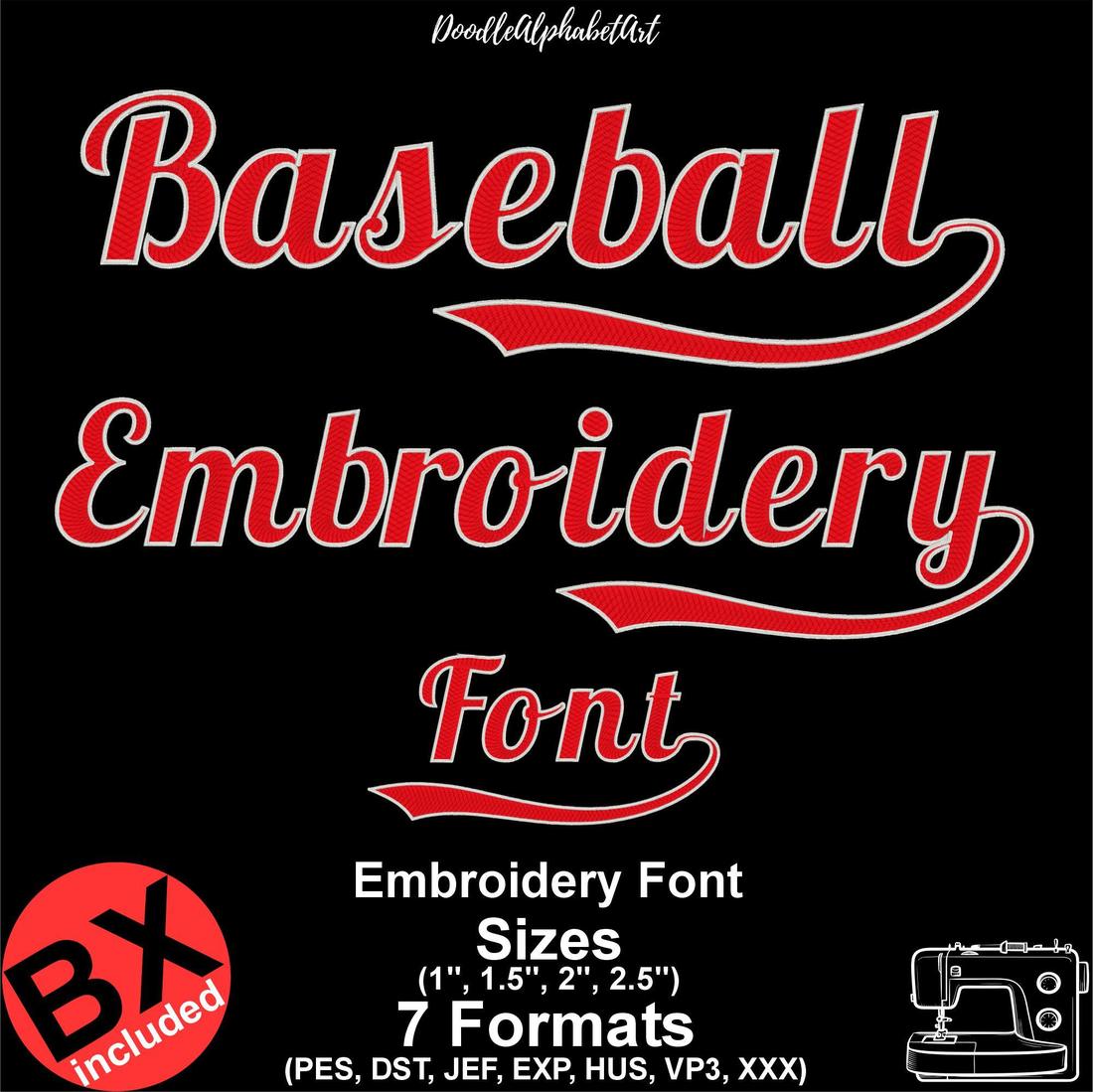
Three listings share this lettering. The Lobster Baseball stroke Satin Stitch Embroidery Font is the single-color stroke. The Lobster Two Color Satin Stitch Embroidery Font is the same script with a second thread color on the edge. Baseball font Embroidery Playball V2 is the same baseball script in one color. Type all three the same way in Embrilliance.
Each font arrives as one ZIP. Inside it are native BX files for Embrilliance, plus PES, DST, JEF, EXP, HUS, VP3, and XXX. BX is the file you type with. The other formats are what you send to the machine after the word is finished. If you have not installed a BX font before, start with how to install a BX font.
The two-color Baseball sample below is digitized at 1, 1.5, 2, and 2.5 inches. The single-color stroke and Playball V2 also include 0.5 and 0.75 inch files, up to 2.5 inches. Stay inside the heights printed on the font page you bought. Stretching a 1 inch satin script up toward 4 inches opens the columns, and shrinking it packs the stitches.
A connecting script cannot use one shape in every place. The First Letter opens the word. In this font that opening letter is set to uppercase. The Intermediate Letters sit between the first and the last, and they are set to lowercase so they can meet their neighbors. The Last Letter closes the word with a clean exit stroke.
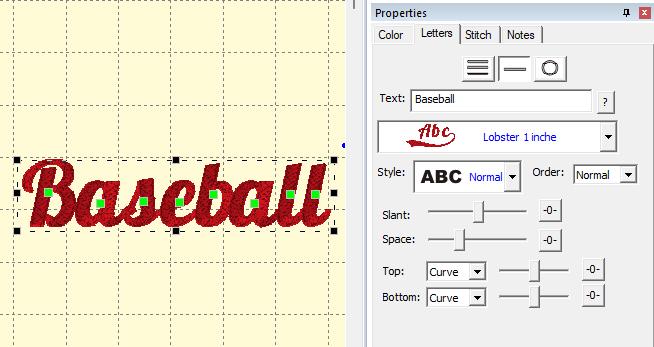
Take the word Baseball. B is the First Letter. The letters a, s, e, b, a, and l in the middle are Intermediate Letters. The final l is the Last Letter, with the exit stroke. You do not pick those styles one by one. When you type the word, the first letter is set to uppercase and the middle letters are set to lowercase for you.
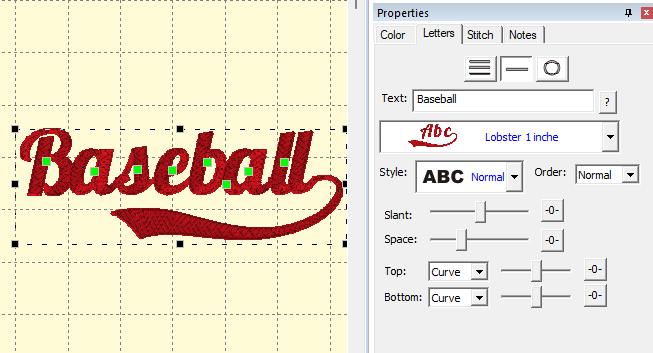
Unzip the download first. Embrilliance cannot install a font that is still inside the ZIP. Drag the BX file for the size you want onto the white design page. In the lettering panel the 1 inch file is named Lobster 1 inch. Then open the text field and type the word.
The same font can stitch as a standard cursive script. The long swash stays off the word when you mark the start and the end with the space bar.
In the Syntax text field, type a space, then the word, then another space. It looks like this, with the word space standing for one press of the space bar: spaceYourWordspace. Then press Enter. The opening space and the closing space drop the long underline, so the letters run as ordinary cursive.
The short tutorial follows the same order: type the word, check the joins, then save the file your machine reads.
Baseball Lobster stroke script in Embrilliance. Watch it on YouTube.
Do I switch letter styles by hand? No. Type the word. The first letter is set to uppercase, and the intermediate letters are set to lowercase.
Which size should I start with? One inch is the size shown in the Embrilliance panel above. Move up to 1.5, 2, or 2.5 inches when the name needs to read from farther away, and use 0.5 or 0.75 inch only when that file is included and the letters still read clearly in the simulator.
Can I stitch a single initial? Yes. Type the one letter and preview it. A single letter will not show the long connecting swash of a full word.
Where do I ask if a join still looks wrong? Write through the contact form and name the font, the size, and the word you typed.
Lobster Baseball stroke · Lobster Two Color · Playball V2 · Install a BX font · Which file your machine uses
PES · DST · JEF · EXP · HUS · VP3 · XXX · BX

BX · PES · DST · JEF · EXP · HUS · VP3 · XXX

BX · PES · DST · JEF · EXP · HUS · VP3 · XXX

PES · DST · JEF · EXP · HUS · VP3 · XXX · BX

PES · DST · JEF · EXP · HUS · VP3 · XXX · BX

PES · DST · JEF · EXP · HUS · VP3 · XXX · BX


