40% off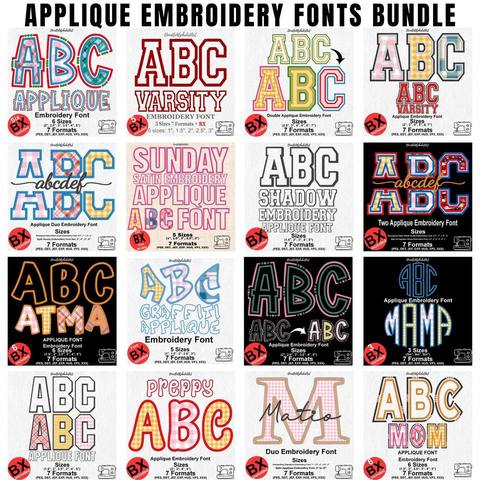
Applique Embroidery Font Bundle
PES · DST · JEF · EXP · HUS · VP3 · XXX · BX
Every font is 40% off. Two fonts are 45% off. Three or more are 50% off.
BX fonts
A BX file is an embroidery font you type with, the way you would type in a word processor. It is not a stitch file for the machine. You install it in Embrilliance, type the name with the lettering tool, and then save a machine file such as PES, JEF, or DST. Sending the BX file itself to a Brother, Janome, or Singer machine will not stitch the letters.
Most Fontstitch fonts include a BX file when the product page lists BX. Script fonts, such as the Baseball Lobster stroke and the Heart Monogram Satin Script, are meant to be typed this way so the letters can join. An applique font that includes BX is typed the same way, then stitched one color stop at a time.
The email after payment holds a ZIP. Unzip that archive on your computer first. Inside you will see the stitch files and, when the font includes it, one or more files ending in .bx. A font sold in several heights often has one BX file for each size. Install the heights you plan to sew. Leave the others in the folder until you need them.
Embrilliance cannot install a font that is still inside the ZIP. On Windows, dragging a BX file straight out of the compressed folder is a common reason the font never appears. Extract the folder, then install the loose .bx file.
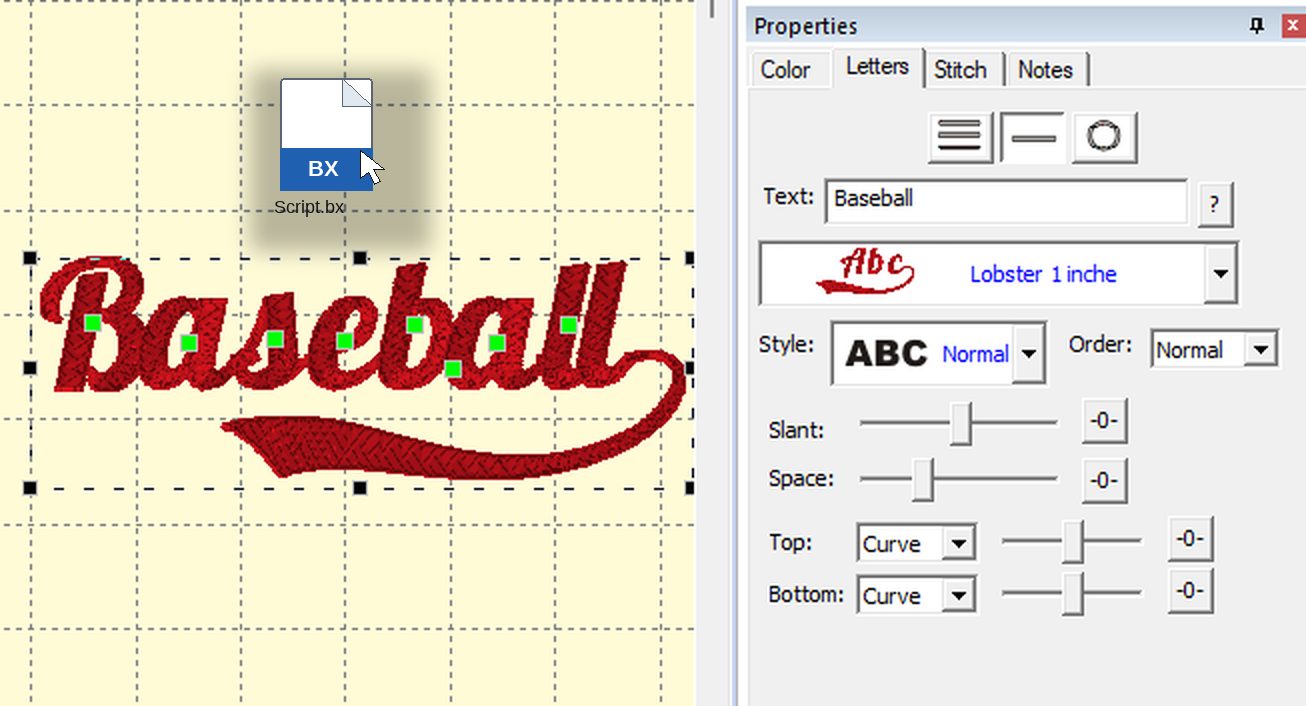
Embrilliance Essentials and Enthusiast can install BX fonts. If you do not own either one, you do not have to buy software to type a name. Embrilliance Express is a free mode of the same platform. It lets you install BX fonts, type words, and save the result as a machine file. It runs on Windows and on Mac.
Download the Embrilliance platform from the Embrilliance Express page. Install it the way you install any other program. When the software asks for a serial number, leave that field blank and press Done. That opens Express mode. No mailing list is required.
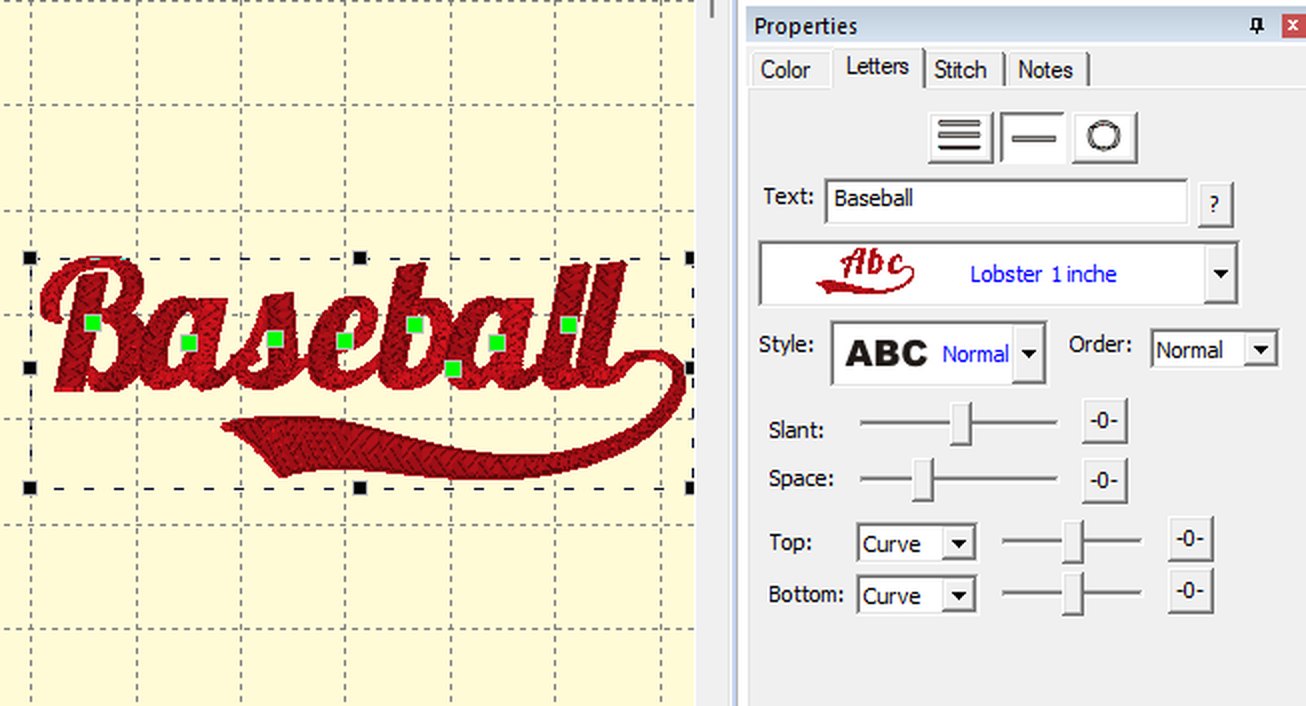
After the name looks right, export a stitch format. Brother and Baby Lock use PES. Janome uses JEF. Singer uses XXX. Commercial machines often use DST. The font page lists only the formats that were included. If JEF is not on that page, the ZIP has no Janome file. Which file your machine uses walks through the common ones, and the formats page lists the rest.
Keep the BX file installed for the next name. You do not reinstall it every time. You only install again when you add another size or another font.
If it is still missing, write through the contact form and name the font. Say whether you are on Windows or Mac, and whether you are in Express mode.
Fonts people type as a name: Merry Script, French Script, and Heart Monogram Satin Script.
Browse BX fonts · Embrilliance Essentials beginner guide · Which file your machine uses · How the ZIP arrives
PES · DST · JEF · EXP · HUS · VP3 · XXX · BX

BX · PES · DST · JEF · EXP · HUS · VP3 · XXX

BX · PES · DST · JEF · EXP · HUS · VP3 · XXX

PES · DST · JEF · EXP · HUS · VP3 · XXX · BX

PES · DST · JEF · EXP · HUS · VP3 · XXX · BX

PES · DST · JEF · EXP · HUS · VP3 · XXX · BX


