40% off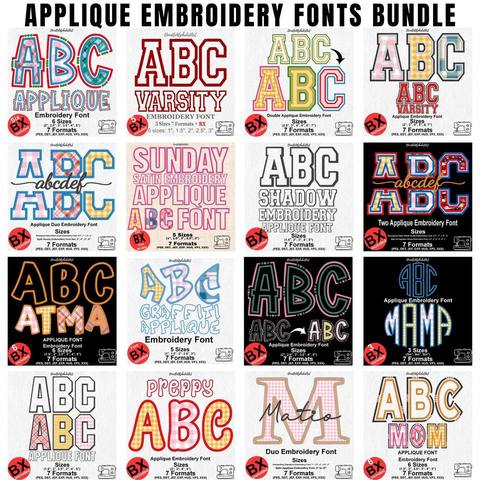
Applique Embroidery Font Bundle
PES · DST · JEF · EXP · HUS · VP3 · XXX · BX
Every font is 40% off. Two fonts are 45% off. Three or more are 50% off.
Machines
A Fontstitch download is one ZIP with the same letters saved in more than one stitch format. Your machine reads only its own format. Open the font page first and use a format that page lists. The shop does not add PES, JEF, XXX, or any other format the design did not come with.
The three questions buyers ask most are Brother, Janome, and Singer. The other formats in a typical ZIP are DST, EXP, HUS, and VP3. BX is different: it is typed in Embrilliance, then saved as one of those machine files.
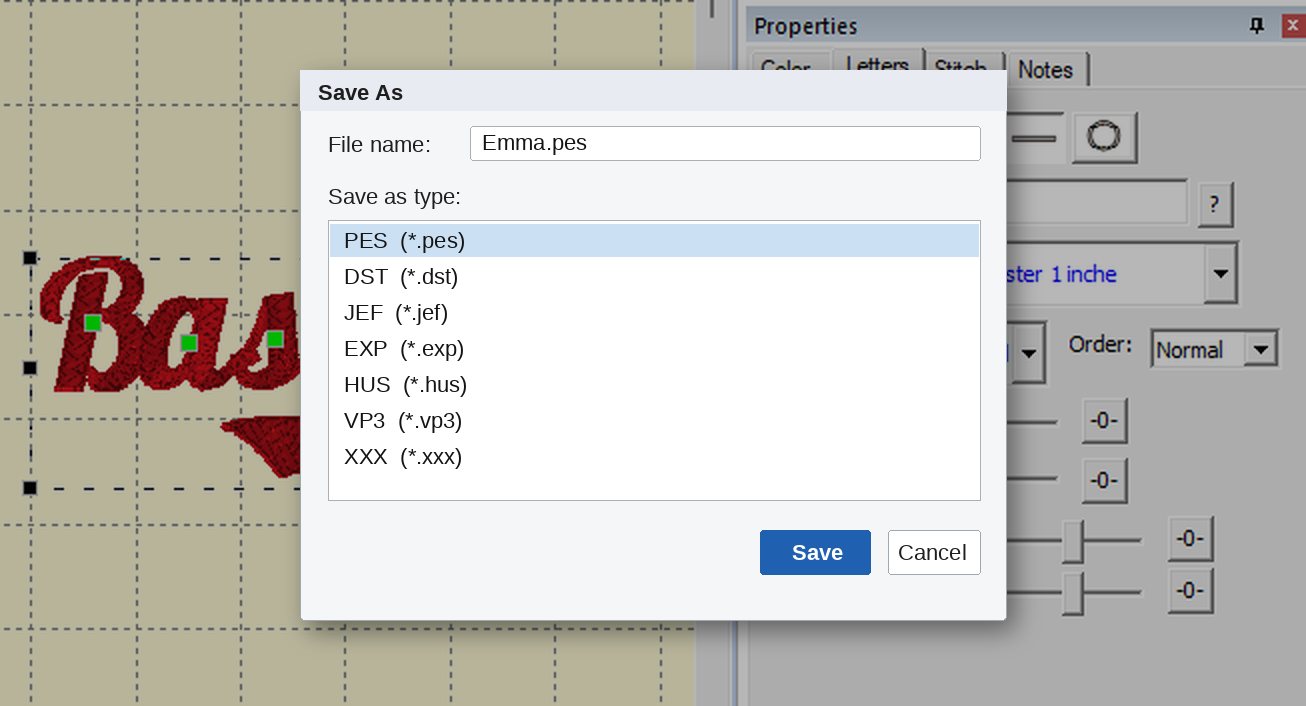
Brother and Baby Lock home machines read PES. Deco machines use PES as well. In the unzipped folder, choose the file whose name ends in .pes. Load that file from a USB stick the way you load any other design. Do not rename it to .dst or .jef and expect the machine to understand it.
Browse fonts that include PES · Varsity 3 Color includes PES
Janome machines read JEF. Elna and many Kenmore machines use JEF too. Choose the file that ends in .jef. If the font page does not list JEF, that download has no Janome file, and a PES file will not take its place.
Browse fonts that include JEF · Style Script includes JEF
Singer home machines read XXX. Choose the file that ends in .xxx. If XXX is not on the font page, the ZIP does not include a Singer file. Check the page before you buy if XXX is the only format your machine accepts.
Browse fonts that include XXX · Playball V2 includes XXX
Tajima and many commercial machines use DST. Melco and Bernina Bravo machines use EXP. Husqvarna Viking machines use HUS, and newer Viking machines often prefer VP3. A font page shows one of these only when that file is in the ZIP. The full list, with the machines each format suits, is on the formats page.
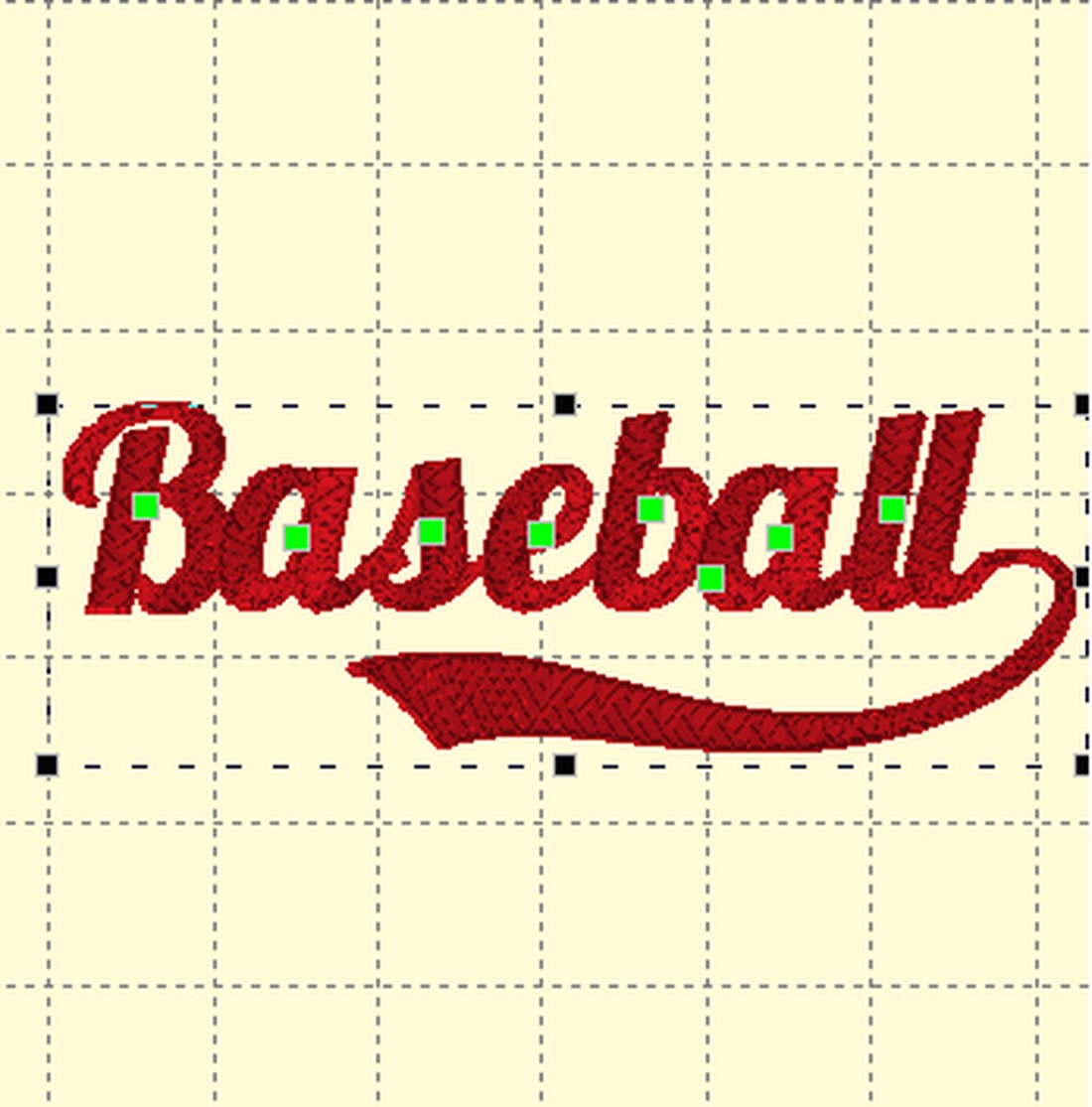
A BX file installs into Embrilliance so you can type the name. A machine cannot stitch a BX file. After the name looks right, save PES, JEF, XXX, DST, or whichever format that font includes, and send that saved file to the machine.
If you do not already own Embrilliance, the free Embrilliance Express mode can install BX fonts and save a machine file. Download it from the Embrilliance Express page, leave the serial number blank, and press Done. The install steps are in how to install a BX font.
Can I convert PES to JEF myself? Only if your software exports JEF and you know that export. Fontstitch does not convert a missing format. If the page does not list it, it is not in the download.
The ZIP has many files. Which one do I send? Send one stitch file, in your machine’s format, at the height you chose. You do not send the whole ZIP, the pictures, or the BX file.
I typed the name in Embrilliance. What now? Save or export the design in the format from this page, then load that saved file. The Baseball Lobster guide and the heart script guide show that last step for two script fonts.
PES · DST · JEF · EXP · HUS · VP3 · XXX · BX

BX · PES · DST · JEF · EXP · HUS · VP3 · XXX

BX · PES · DST · JEF · EXP · HUS · VP3 · XXX

PES · DST · JEF · EXP · HUS · VP3 · XXX · BX

PES · DST · JEF · EXP · HUS · VP3 · XXX · BX

PES · DST · JEF · EXP · HUS · VP3 · XXX · BX


