40% off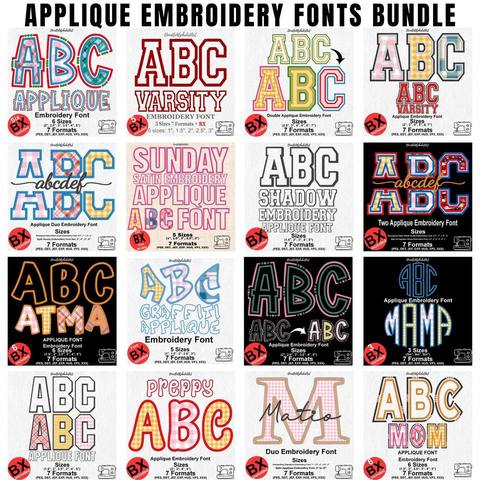
Applique Embroidery Font Bundle
PES · DST · JEF · EXP · HUS · VP3 · XXX · BX
Every font is 40% off. Two fonts are 45% off. Three or more are 50% off.
Font guide
The Heart Monogram Satin Stitch Script Embroidery Font is a lowercase satin script with a heart at the start of a word and a heart at the end. It is not one ordinary alphabet. Each letter is digitized three ways so the stitches can run on as one line of handwriting.
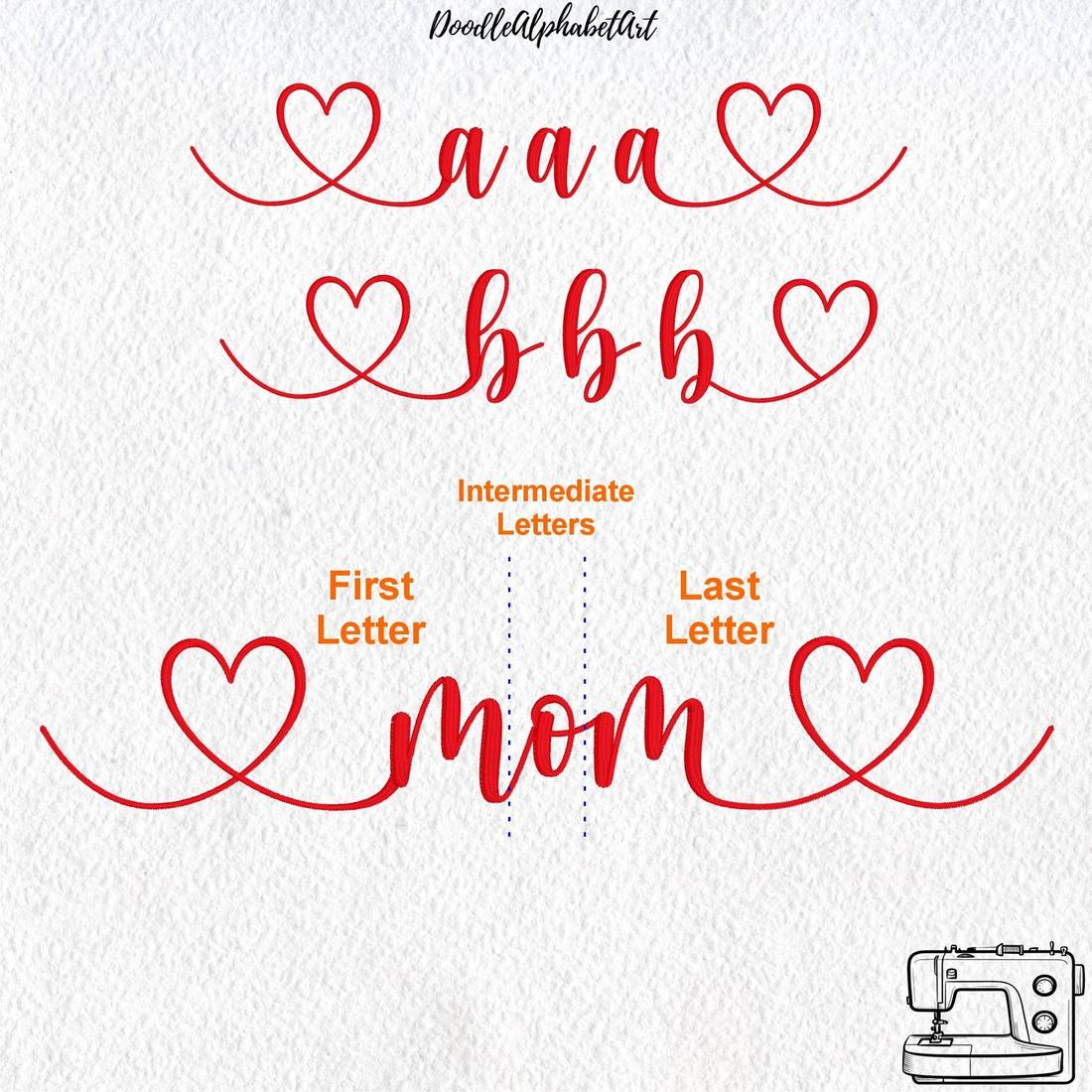
Those three versions are the First Letter, the Intermediate Letters, and the Last Letter. Use them in that order and the entry stroke, the joins, and the exit stroke land where a pen would have moved. Mix them up and the hearts sit in the middle of the name, or the letters stop short of each other.
The file is one ZIP. It includes lowercase letters and numbers in four heights: 1.5, 2, 2.5, and 3 inches. Stay inside those sizes. Stretching a satin script much larger opens the columns, and shrinking it packs the stitches.
Four native BX files are included, one for each size, for Embrilliance. The same letters are also saved as PES, DST, JEF, EXP, HUS, VP3, and XXX. BX is the file you type with. The other formats are what you send to the machine after the word is built. If you have not installed a BX font before, start with how to install a BX font.
A connected script cannot use the same shape for every place in a word. The first letter needs a long entrance and the opening heart. The letters in the middle need a short tail on the left and a short tail on the right so they meet their neighbors. The last letter needs a clean exit and the closing heart.
Take the name Mom. The first m is the First Letter, with the heart and the long entry. The o is an Intermediate Letter, joined on both sides. The last m is the Last Letter, with the heart and the exit stroke. The same split applies to any name: one opening letter, as many middle letters as the word needs, and one closing letter.
Unzip the download first. Embrilliance cannot install a font that is still inside the ZIP. Drag the BX file for the size you want onto the white design page, then open the lettering tool.
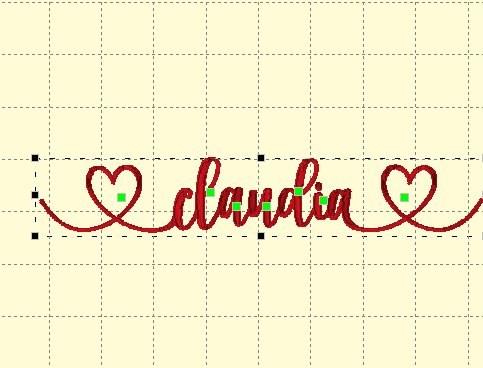
The same font can stitch as a standard cursive script. The hearts stay off the word when you mark the start and the end with the space bar.
In the Syntax text field, type a space, then the word, then another space. It looks like this, with the word space standing for one press of the space bar: spaceYourWordspace. Then press Enter. The opening space drops the heart entry, and the closing space drops the heart exit, so the letters run as ordinary cursive.
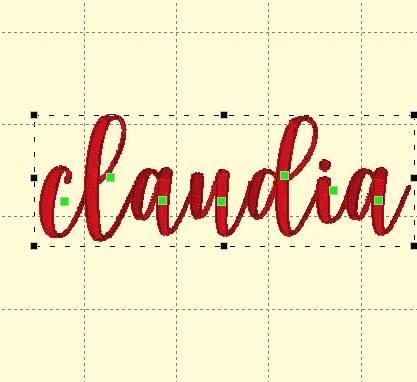
Does every letter come in three versions? Yes. Use the First Letter once, at the start. Use Intermediate Letters for the middle. Use the Last Letter once, at the end.
Can I stitch a single initial? Yes. A one-letter monogram can be the First Letter if you want the entry heart, or the Last Letter if you want the exit heart. Preview both and keep the one that sits cleanly in the hoop.
Which size should I start with? Two inches is a comfortable first test on a name. Move to 2.5 or 3 inches for a larger chest or a banner, and to 1.5 inches only when the letters still read clearly in the simulator.
Where do I ask if a join still looks wrong? Write through the contact form and name the font, the size, and the word you typed.
Open the Heart Monogram Satin Stitch Script font · Install a BX font · Which file your machine uses
PES · DST · JEF · EXP · HUS · VP3 · XXX · BX

BX · PES · DST · JEF · EXP · HUS · VP3 · XXX

BX · PES · DST · JEF · EXP · HUS · VP3 · XXX

PES · DST · JEF · EXP · HUS · VP3 · XXX · BX

PES · DST · JEF · EXP · HUS · VP3 · XXX · BX

PES · DST · JEF · EXP · HUS · VP3 · XXX · BX


