40% off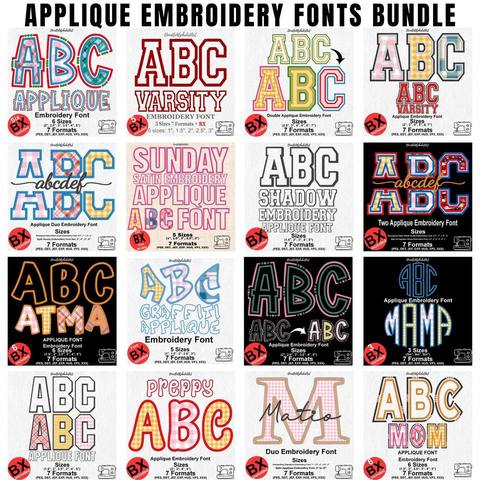
Applique Embroidery Font Bundle
PES · DST · JEF · EXP · HUS · VP3 · XXX · BX
Every font is 40% off. Two fonts are 45% off. Three or more are 50% off.
Lettering
By Fontstitch · October 22, 2026
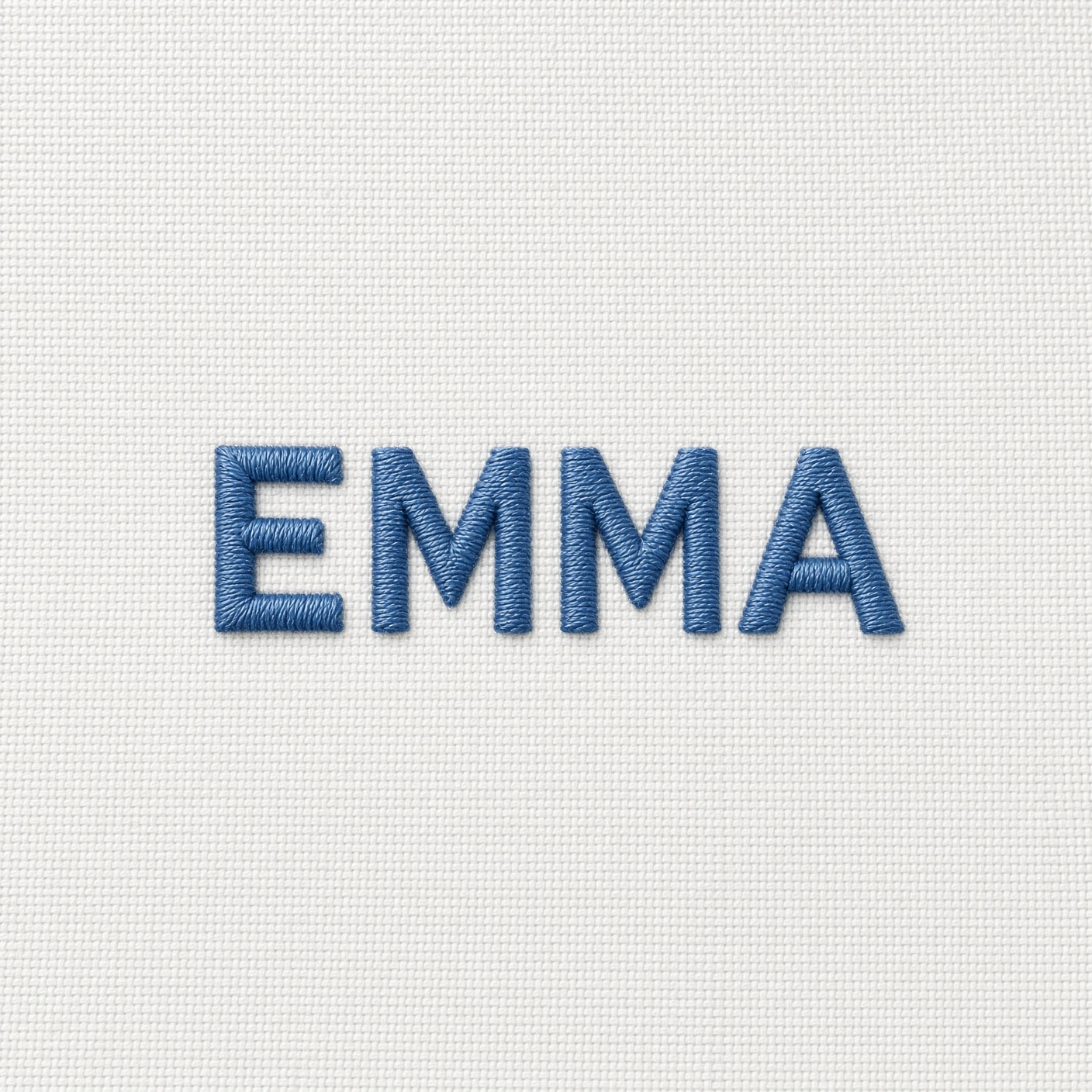
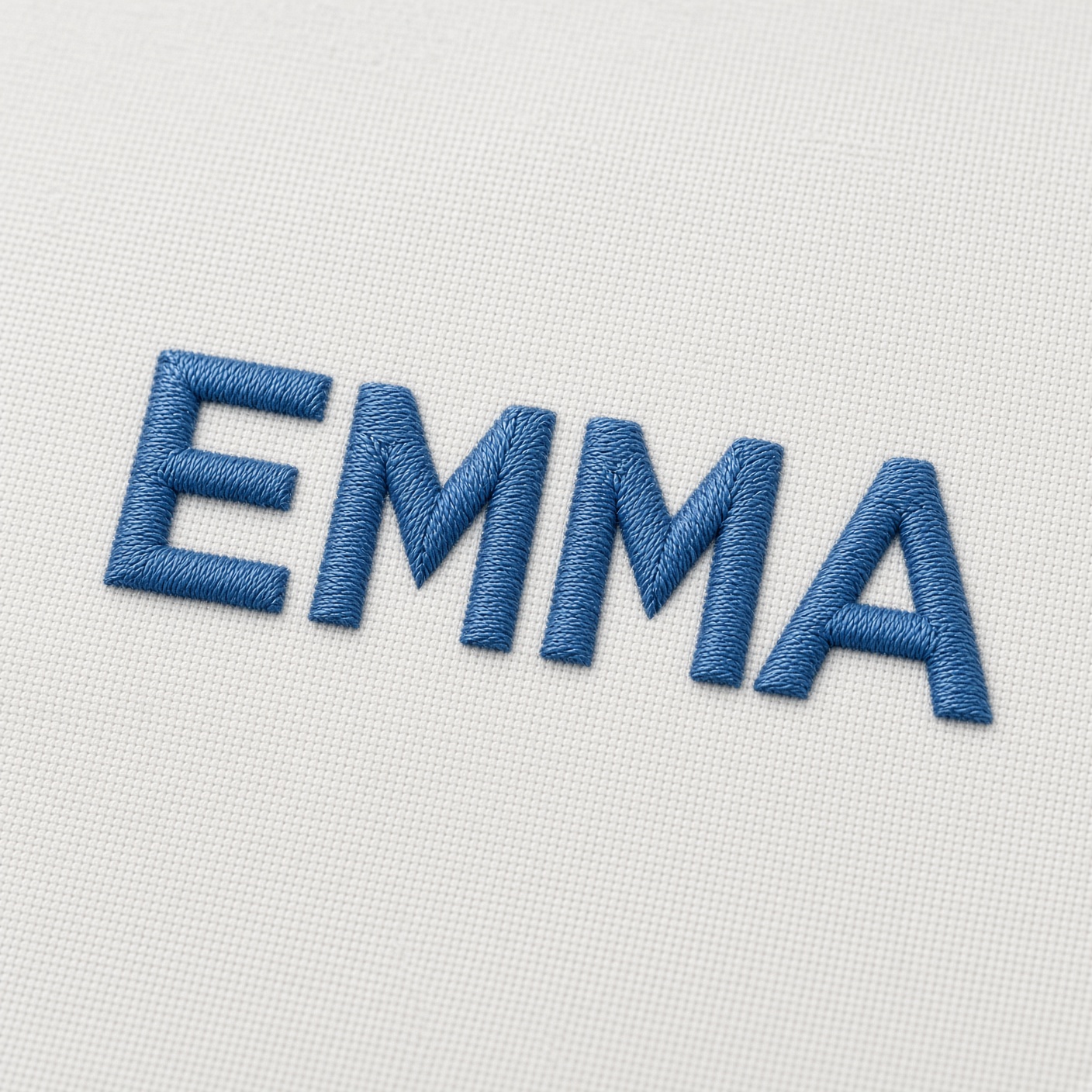
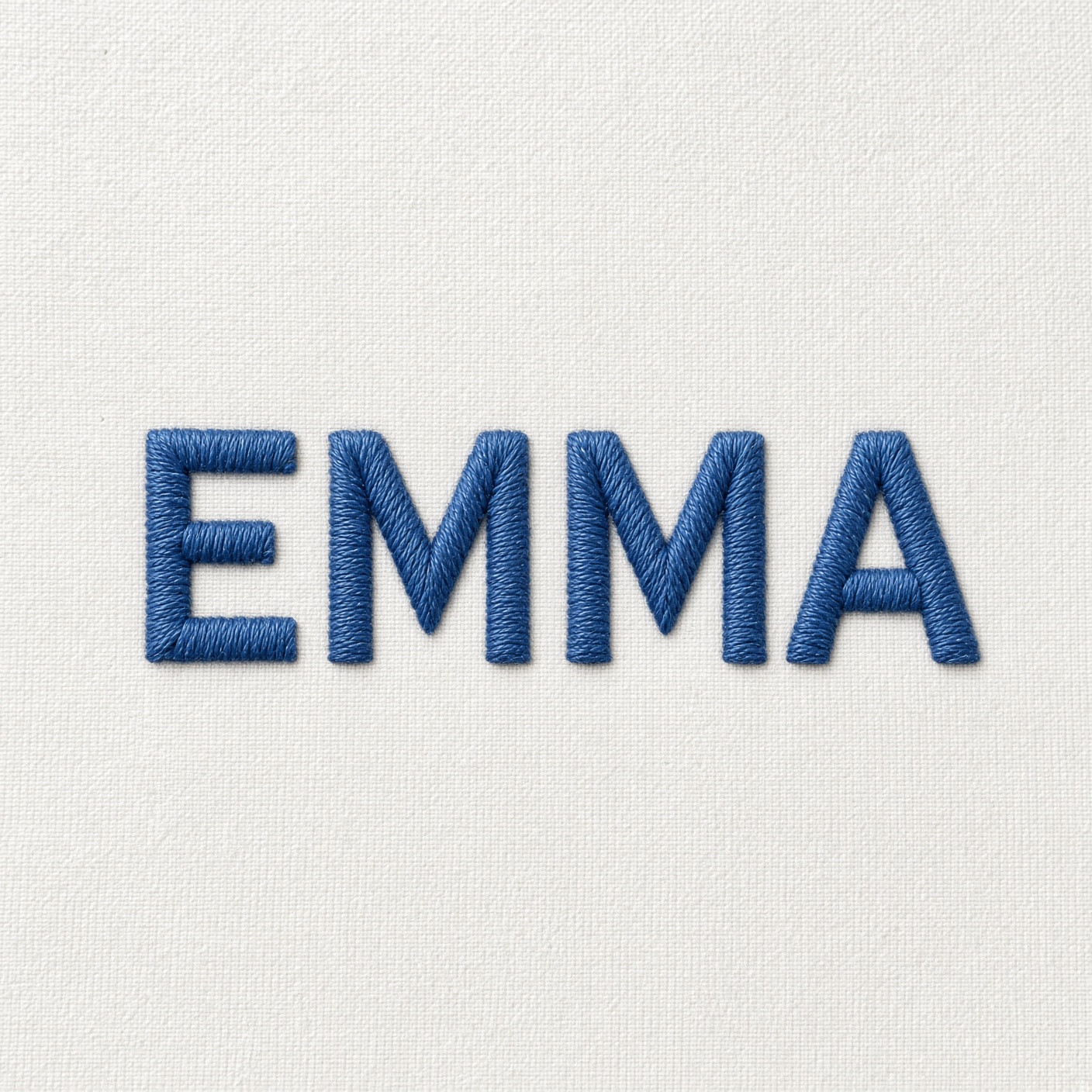
The word is EMMA in a simple block like Simplehae, which is listed from 0.5 inch. 60-weight embroidery thread, a 75/11 needle, white cotton, cut-away stabilizer.
A name on a shirt, initials on a towel, a short line on a baby blanket, or a word on a cap can look finished when the letters stay clean. Small text is also one of the harder jobs on a machine. Letters that look right on the screen can stitch crowded, lumpy, or hard to read.
At a small height there is less room for each stitch. Needle holes matter more. Thread piles up in tight corners. Fabric shift can close the openings in a, e, and o. You do not need a new machine to improve that. You need a font made for the size, a thread and stabilizer that suit it, and a test before the real item.
This guide covers how to keep small embroidery fonts readable, which mistakes to skip, and how to pick the next font.
Not every embroidery font can go small. A decorative font that looks strong at two inches can fall apart at half an inch. Match the style to the job.
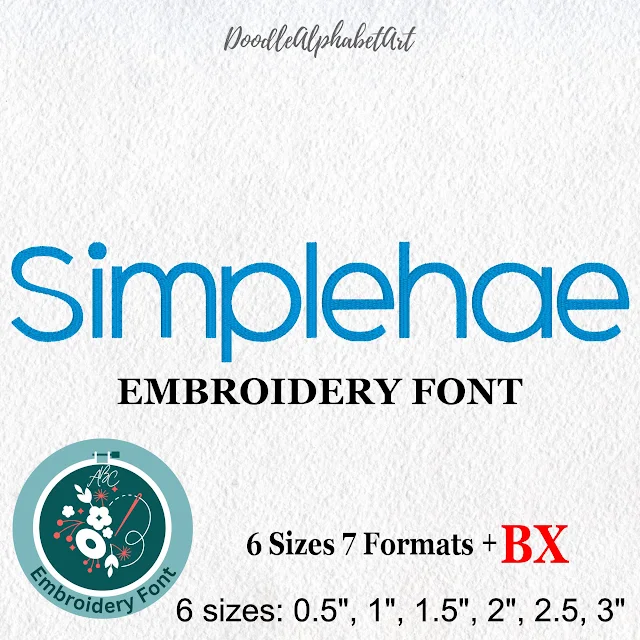
Simple block. Straight shapes, listed from 0.5 inch.
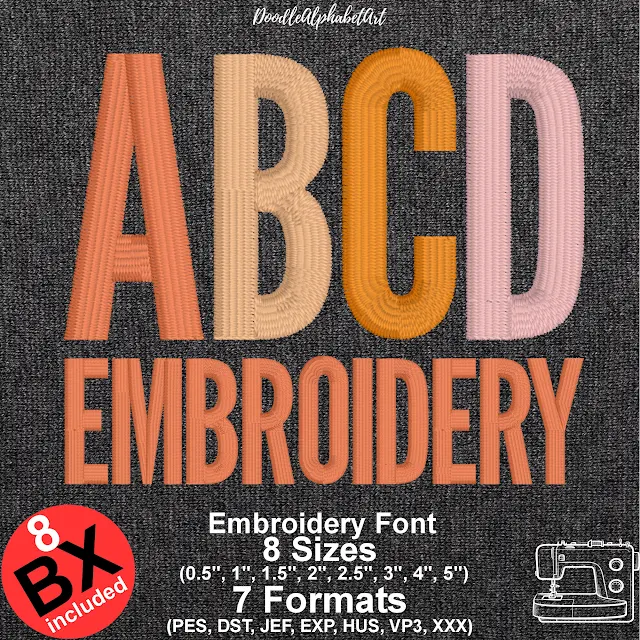
Narrow lettering. Slim satin columns, listed from 0.5 inch.
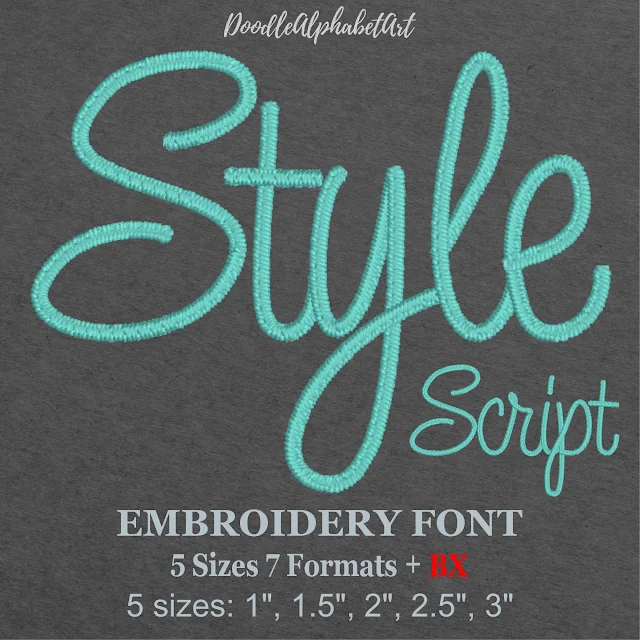
Simple script. Open cursive shapes. Smallest listed size is 1 inch.
Read the sizes on the font page before you buy. A font built for small lettering is a better start than a large design you shrink. If you often stitch pockets, baby clothes, or small accessories, keep a few simple fonts you have already tested at those heights. Browse the embroidery fonts and open a page to see the sizes and formats in the ZIP.
Making the letters too short for that font is the usual mistake. There is no one minimum that fits every font, fabric, thread, and machine. Use these ranges only as a place to start a test.
| Letter height | Practical guidance |
|---|---|
| Under 0.20 in (5 mm) | Very challenging. Use lettering digitized for tiny text. |
| 0.20–0.30 in (5–7.6 mm) | Needs a careful font choice and a test stitch. |
| 0.30–0.50 in (7.6–12.7 mm) | Often workable for simple lettering, depending on the design. |
| Above 0.50 in (12.7 mm) | More room for many ordinary fonts. |
Do not treat the height of the whole word as the height of one letter. A word with capitals and lowercase can measure 0.4 inch overall while the lowercase letters are much shorter. If the word has to be read, look at the lowercase height, the stroke width, and the openings in round letters. The right size is the smallest one that still reads on the fabric you will actually use.
A stitch file stores stitch positions, lengths, density, and direction. Shrink it a lot and those stitches no longer fit the letters. You can get filled-in letters, lost openings, too many needle holes in one spot, rough edges, puckering, and a wad of thread.
Use a font digitized for the size you want. In Embrilliance, a native BX font can be typed again at another height. A finished stitch design cannot rebuild itself when you scale it down. The steps for installing and typing a BX file are in how to install a BX font. Everyday editing, including what Express can do, is in the Embrilliance Essentials guide.
If you do resize a finished design, stitch a test and compare it with the original size. Software cannot make every font work at every size. The original digitizing still sets the limit.
Many projects use 40-weight embroidery thread. It covers well on medium and large letters. In tiny letters with narrow strokes it can look bulky.
A smaller needle can help fine thread through the fabric. A 70/10 or 75/11 embroidery needle is a common starting point. Check the needle and thread makers' notes. A needle that is too small for the thread shreds it or breaks it. Test the font, thread, needle, and fabric together. Change one thing at a time.
A good font still looks poor if the fabric moves. A small shift is enough to bend a letter or close the gap between two characters.
Hoop the fabric smooth, not stretched. If you pull it tight in the hoop, it relaxes later and the letters pucker. For very small text, hoop the same way every time.
Too much density packs thread into a narrow letter until the opening is gone. Too little density lets the fabric show through. The balance depends on the design, thread, fabric, stabilizer, and machine.
Look at a, e, and o. Each has a hole or a nearly closed space. Make the letter smaller and that hole gets narrower. Thick or dense stitches can fill it, and the letter stops reading as that letter.
Use a font made for the size, do not shrink past what it can hold, and check that the openings are still open in the preview. Spacing should match the font. Pull compensation and density can be adjusted when you digitize, but do not change them by guesswork. Extra compensation can make crowded letters worse. With a ready-made font, start at a listed size. If thread is nesting under the fabric instead of forming the letter, stop and use the bird nesting guide before you stitch another inch.
Two letters can look separate on screen and touch after the thread is in. That shows up in round letters, bold fonts, and connected scripts. Preview the whole word. Watch pairs such as ll, oo, and rn, and any long joining stroke.
If the software lets you change spacing, move it a little and look again. Too much space makes the word fall apart. On a script, keep the joins the font was built with. The aim is a word you can read at the stitched size, not a row of isolated letters.
The preview cannot show how thread sits in cloth. Use the same setup you plan to sew:
You should be able to read the word without leaning in, tell the letters apart, and see a fabric that is not puckered. If it fails, go larger or change the font before you start tuning the machine.
| Problem | Possible cause | What to try |
|---|---|---|
| Letters merge | Spacing is too tight, or the strokes are too thick. | Use a simpler font, or open the spacing a little. |
| The center of a letter disappears | The opening is too small, or the stitches are too dense. | Choose a font made for that size. |
| Edges look rough | Thread, needle, tension, or the digitizing. | Match the needle to the thread and stitch a test. |
| The fabric puckers | The fabric is not held, or too many stitches pile up. | Change the stabilizer and look at the design. |
| Towel lettering sinks | The pile swallows the stitches. | Use a water-soluble topping. |
| The thread breaks | Needle, thread, tension, or density. | Check the setup before you change the font. |
| It looks fine on screen | The size or the fabric does not suit the file. | Test another font, size, or thread. |
More than one cause can look the same. Read the sample. Do not change several machine settings at once.
A shirt pocket often wants a simple block. A towel needs enough weight to show against the pile. A fine script can suit a small gift only if that font was made to stitch clearly at that height.
After you type the word, save the file your machine reads. Brother and Baby Lock use PES, Janome uses JEF, and Singer uses XXX. The list is in which file your machine uses, and the machines for each format are on the formats page.
Readable small lettering comes from the font, the stitches, the thread, the needle, the fabric, and the stabilizer together. Start with a font digitized for the size, use a thread and stabilizer that fit, keep the spacing sensible, and test before the garment.
A font that looks right across a sweatshirt may be the wrong one for a shirt pocket. Check the sizes on the font page, then stitch a scrap.
Related reading: browse embroidery fonts · install a BX font · which file your machine uses · fix bird nesting
Simple block letters, and fonts digitized for small sizes, are the usual starting point. The right one still depends on the height, the fabric, the thread, and how the stitches were built.
There is no single minimum. Some fonts stay clear at a very small height. Others are hard to read below half an inch. Check the sizes listed for that font, then test it on your fabric.
Often, yes. It can look heavy in tiny letters. A 60-weight embroidery thread can keep narrow strokes open when the font and the needle suit it.
The stitches are large compared with the letter, the spacing is tight, the density is high, the font was not made for that size, the fabric moved, or thread filled a small opening.
No. A smaller needle can help with fine thread, but it still has to match the thread and the fabric. The wrong needle shreds thread or skips stitches.
Only when the font and the software can rebuild it. A BX lettering font can be typed again at another listed size. A finished stitch file usually gets worse when you shrink it a lot.
Cut-away for knits that need lasting support. Tear-away can be enough on a stable woven. A water-soluble topping helps on towels and other pile.
Use clear letter shapes, back the towel, and add a water-soluble topping so the stitches do not sink into the pile. Test before you stitch the real towel.
The preview does not show thread thickness, fabric movement, or how the needle holes change a small shape. A test stitch is the check that matters.
No. What matters is a font that can be stitched at that size, and software that lets you type it instead of shrinking a finished file. Embrilliance can type a BX font.
PES · DST · JEF · EXP · HUS · VP3 · XXX · BX

BX · PES · DST · JEF · EXP · HUS · VP3 · XXX

BX · PES · DST · JEF · EXP · HUS · VP3 · XXX

PES · DST · JEF · EXP · HUS · VP3 · XXX · BX

PES · DST · JEF · EXP · HUS · VP3 · XXX · BX

PES · DST · JEF · EXP · HUS · VP3 · XXX · BX


